
NOHIL Academic Portal: One Digital Ecosystem for Academic Operations.
The NOHIL Academic Portal is the academic operations platform used by students and lecturers at FECOT and CONS, covering financial clearance, enrollment, resits, grading, progression, and course learning.
2
Independent school portals
FECOT and CONS
2
Primary roles
Students and lecturers
5
Connected modules
Clearance to progression
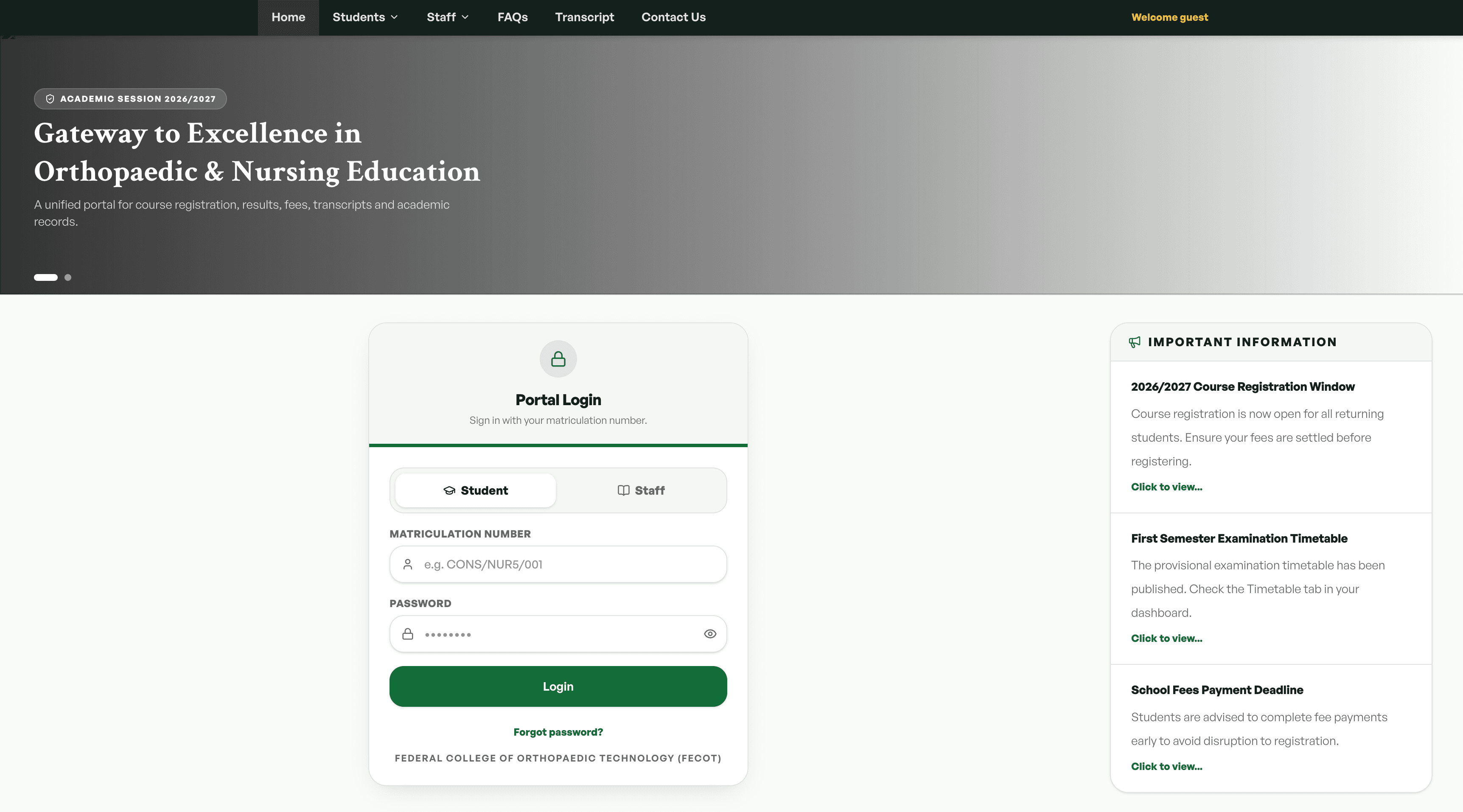
// Executive Summary
Academic administration is more than viewing a timetable or checking grades. Students need to clear fees before they can register, register for the correct courses for their level, carry mandatory resits, and progress when they meet the required credit threshold. Lecturers need reliable access to their rosters, a clear route for submitting scores, and a place to share materials and support discussions. The NOHIL Academic Portal brings these operations into one coordinated environment, with rules enforced before actions and each role given the tools for its part of the process.
A Shared Product Model, Configured Per Institution
FECOT and CONS each run their own academic portal. The connected workflows are the same: financial clearance, registration, grading, credit calculation, progression, and course learning. What changes by institution is configuration. Each school applies its own fee structure and its own grade point system when results are calculated.
CONS mirrors the FECOT product with those institutional differences applied. The interface shown throughout this case study is the FECOT portal.
Each stage feeds the next. Payment unlocks registration, historical grades shape the current cart, and completed credits determine progression.
Clearance First, Then Registration
The portal orders the student journey around eligibility. A student cannot register for courses until the required payment status is verified, and registration then reflects the student's level, programme, and academic history.
One Starting Point
The dashboard brings the student's academic state together: current level, registration status, fee position, results, and schedule. From there, the student moves into the task that needs attention.
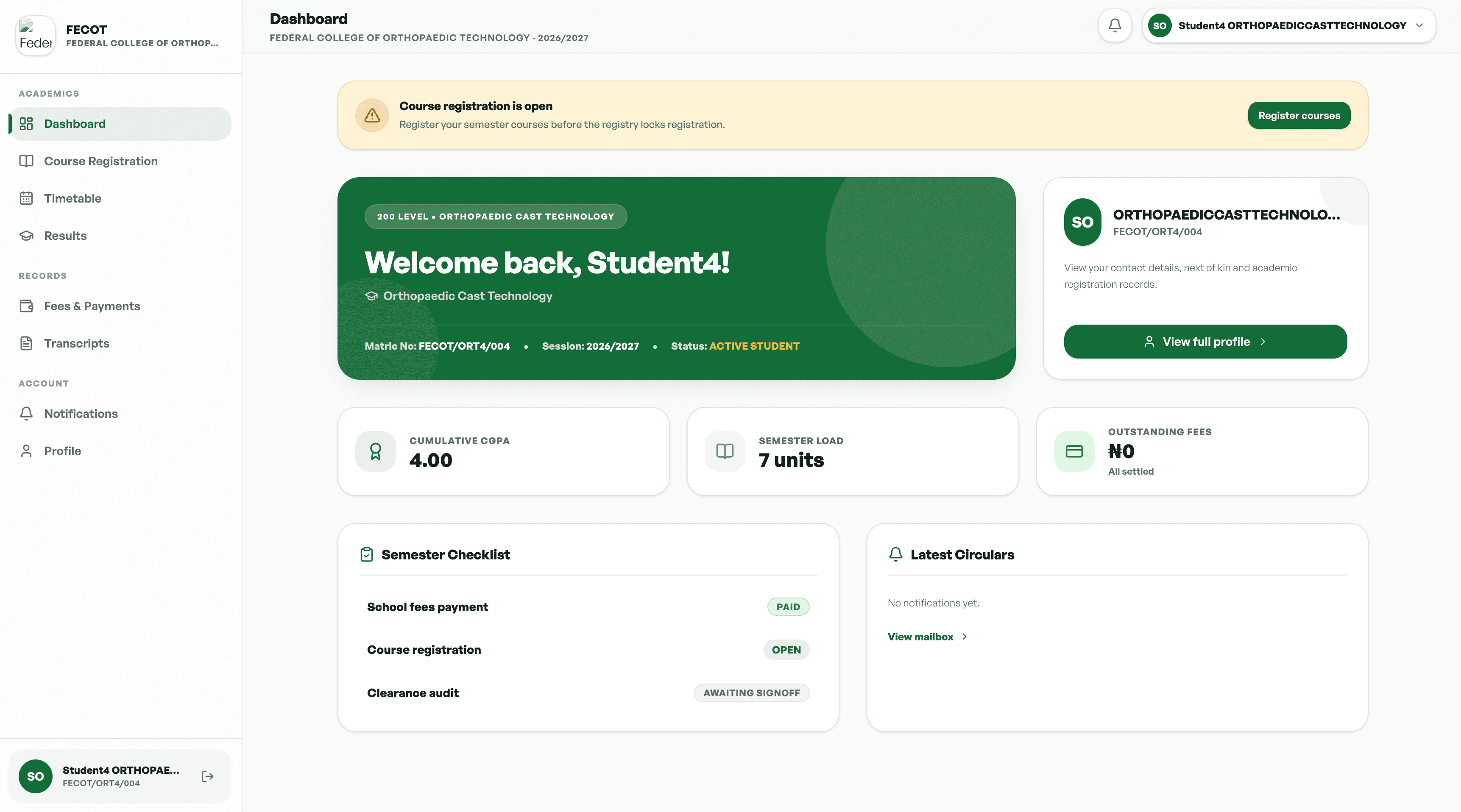
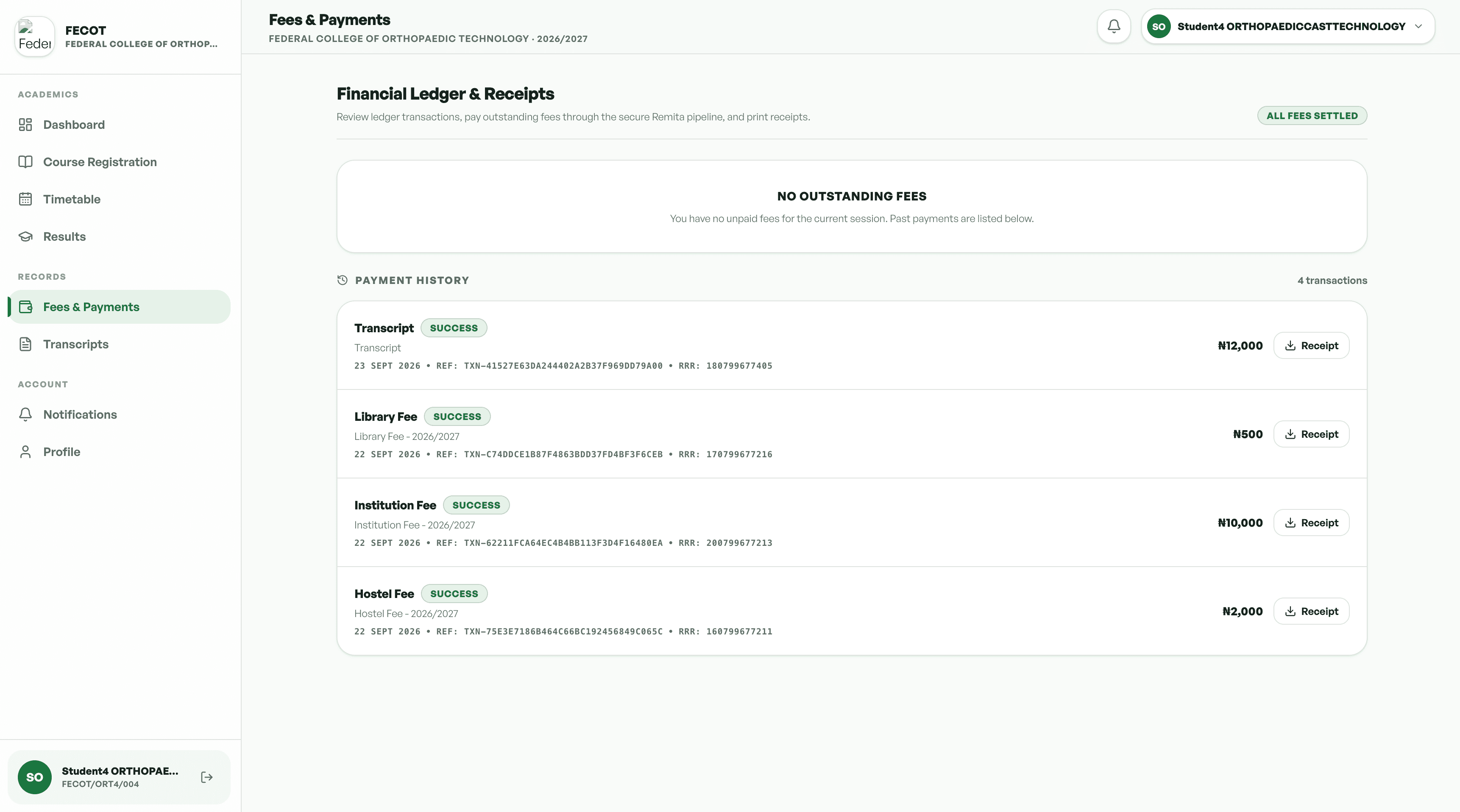
Payment Gates Registration
Students pay tuition, laboratory, and accommodation fees through Remita. Course enrollment stays disabled until the primary tuition payment webhook returns a successful status. A full scholarship assigned by an administrator bypasses the fee gate, while a partial scholarship recalculates the required Remita balance.
Registration That Follows Academic History
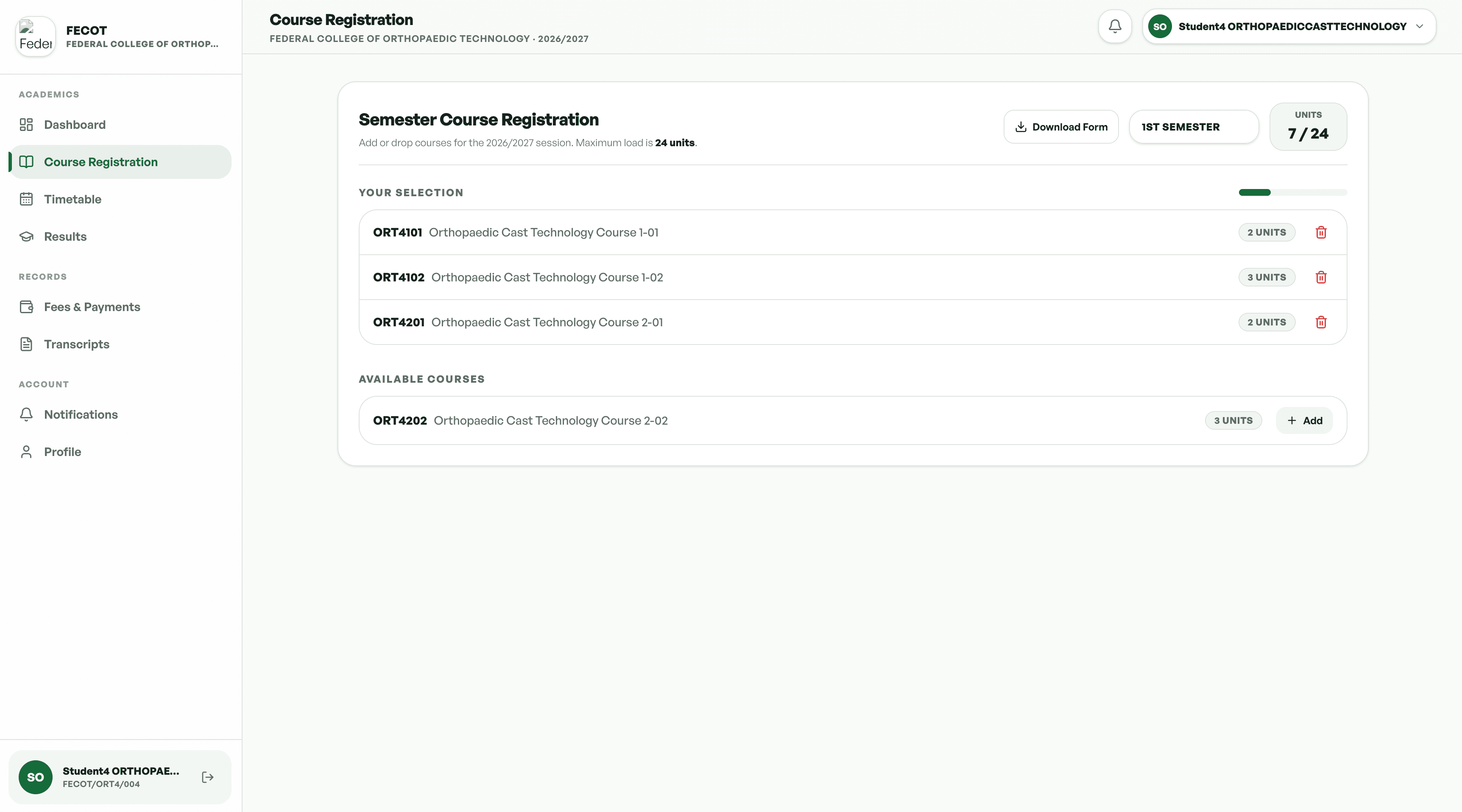
The portal displays the courses available to the student's level and programme. It also reads historical grades, identifies previously failed core courses, and adds them to the semester cart as mandatory resits. Students cannot remove those resits, and the cart locks once enrollment is submitted.
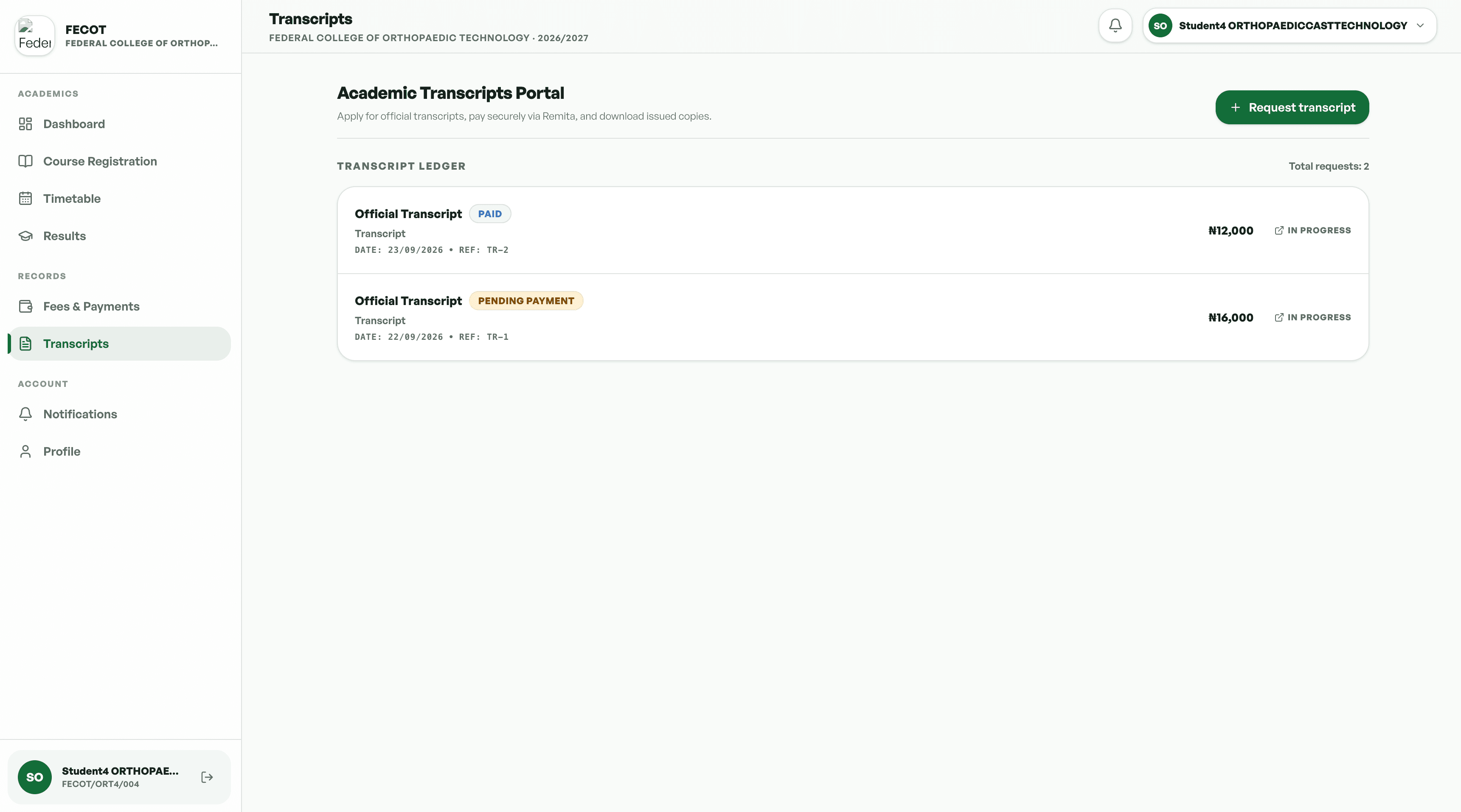
Results in Context
Transcripts and results sit alongside registration and progression, so students can see how completed work affects their standing and what it means for the next academic level.
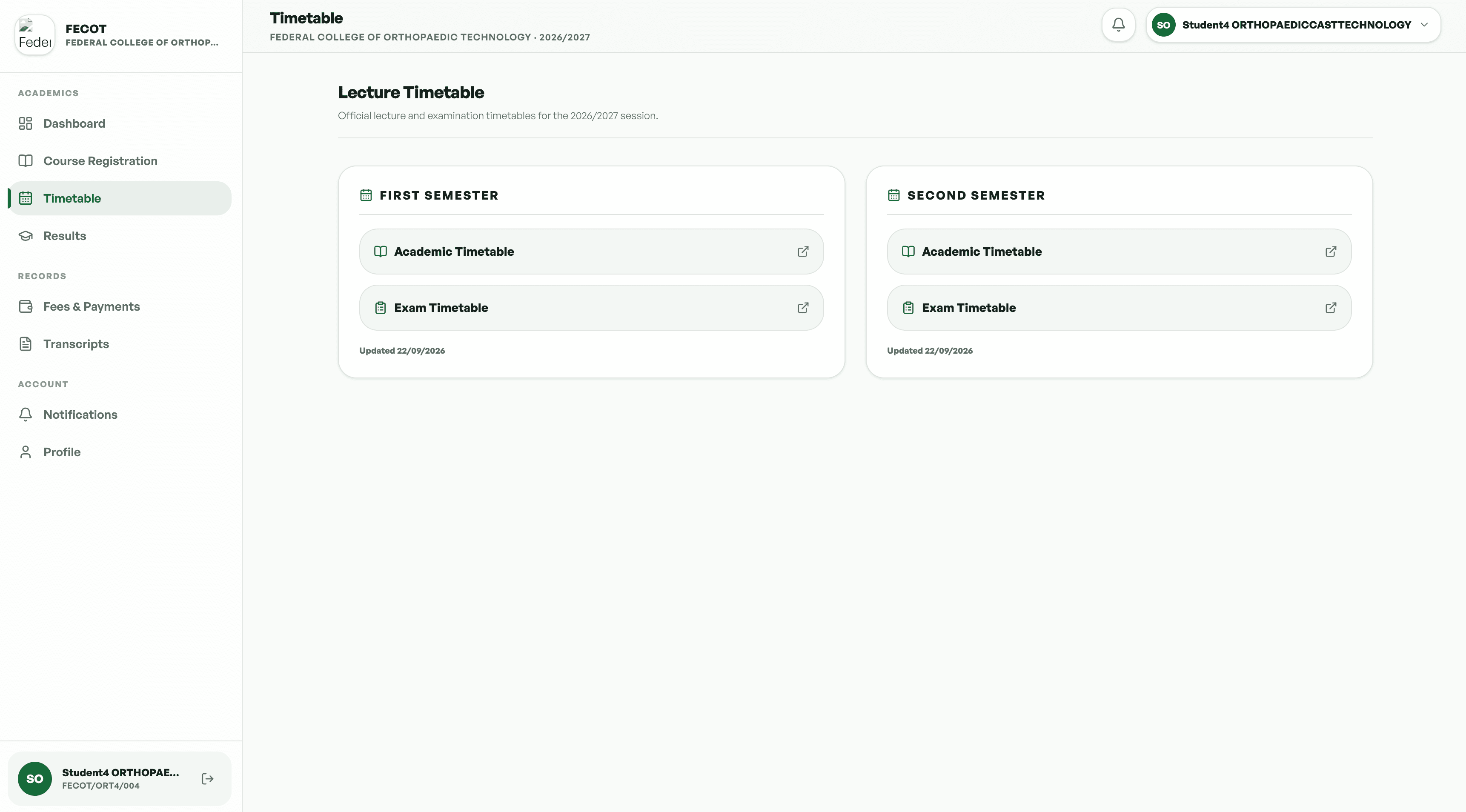
Timetable: the student's lecture schedule in one view.
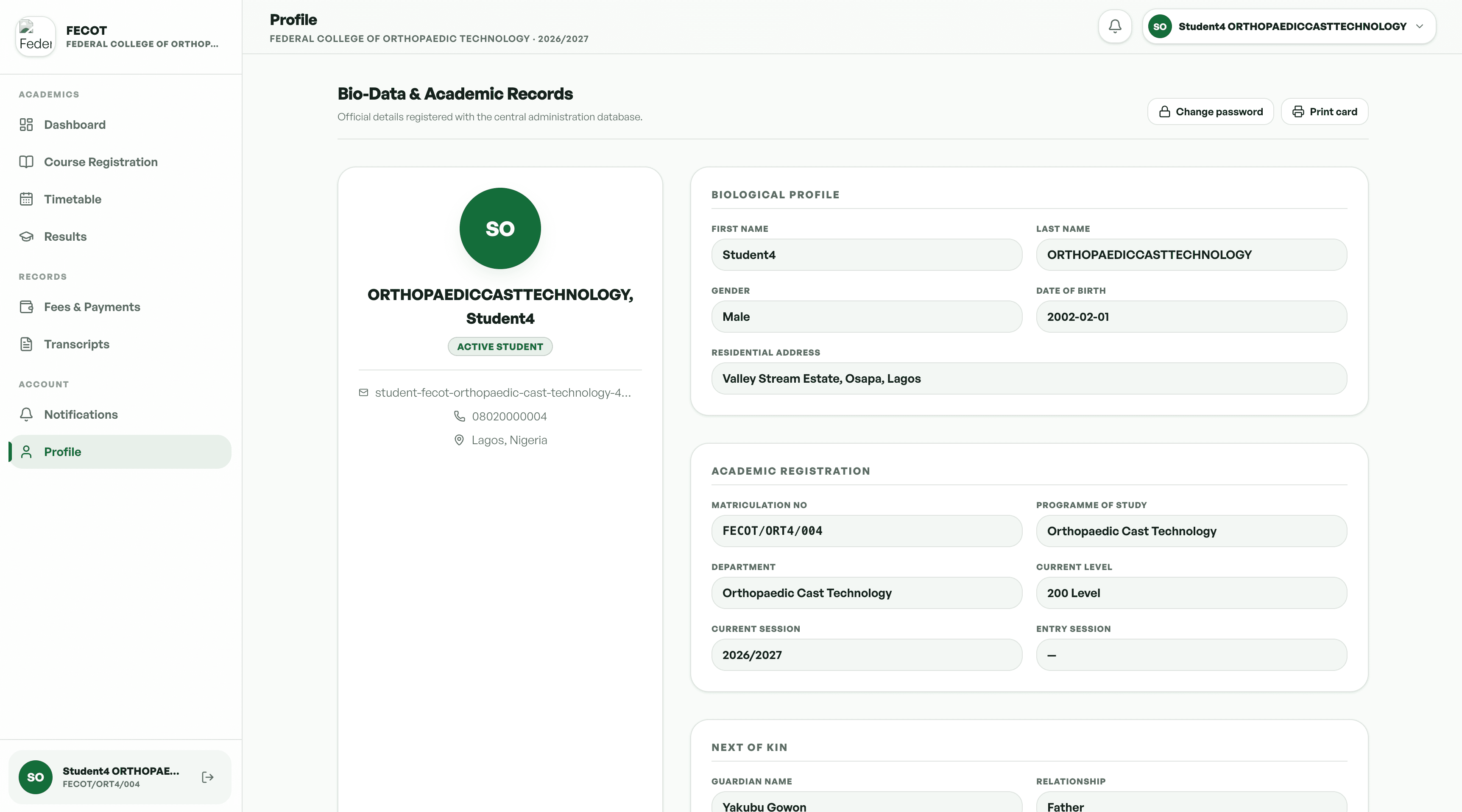
Profile: the student's academic and personal record.
Scoped to Assigned Courses
Lecturers see the courses assigned to them and the students on those rosters. Grade submission follows a standardised path, and course learning sits in the same place as the rest of the teaching workflow.
The Courses That Need Attention
The overview gives lecturers a focused view of their assigned courses, rosters, and the grading work still outstanding, without exposing courses outside their responsibility.
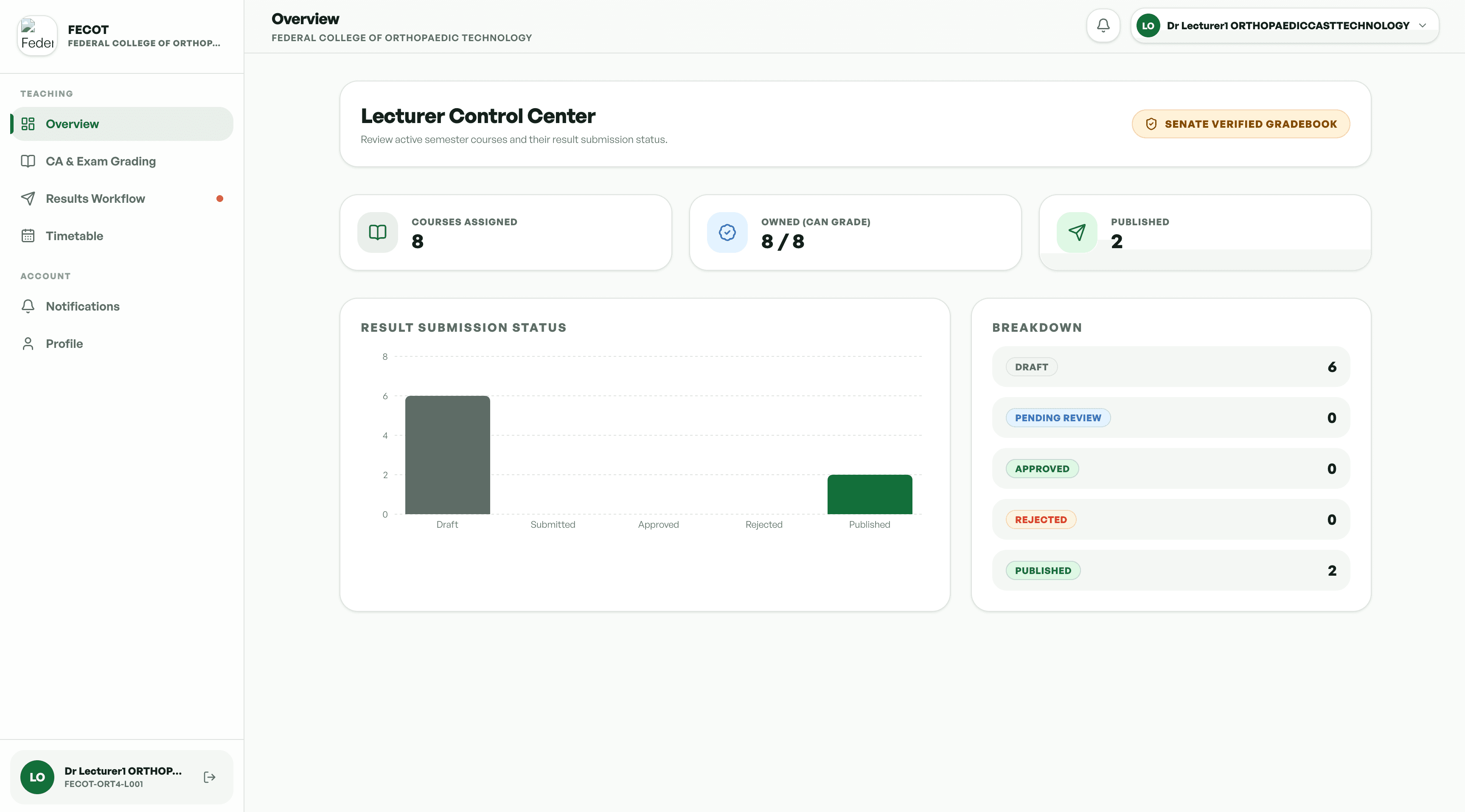
A Controlled Route From Roster to Publication
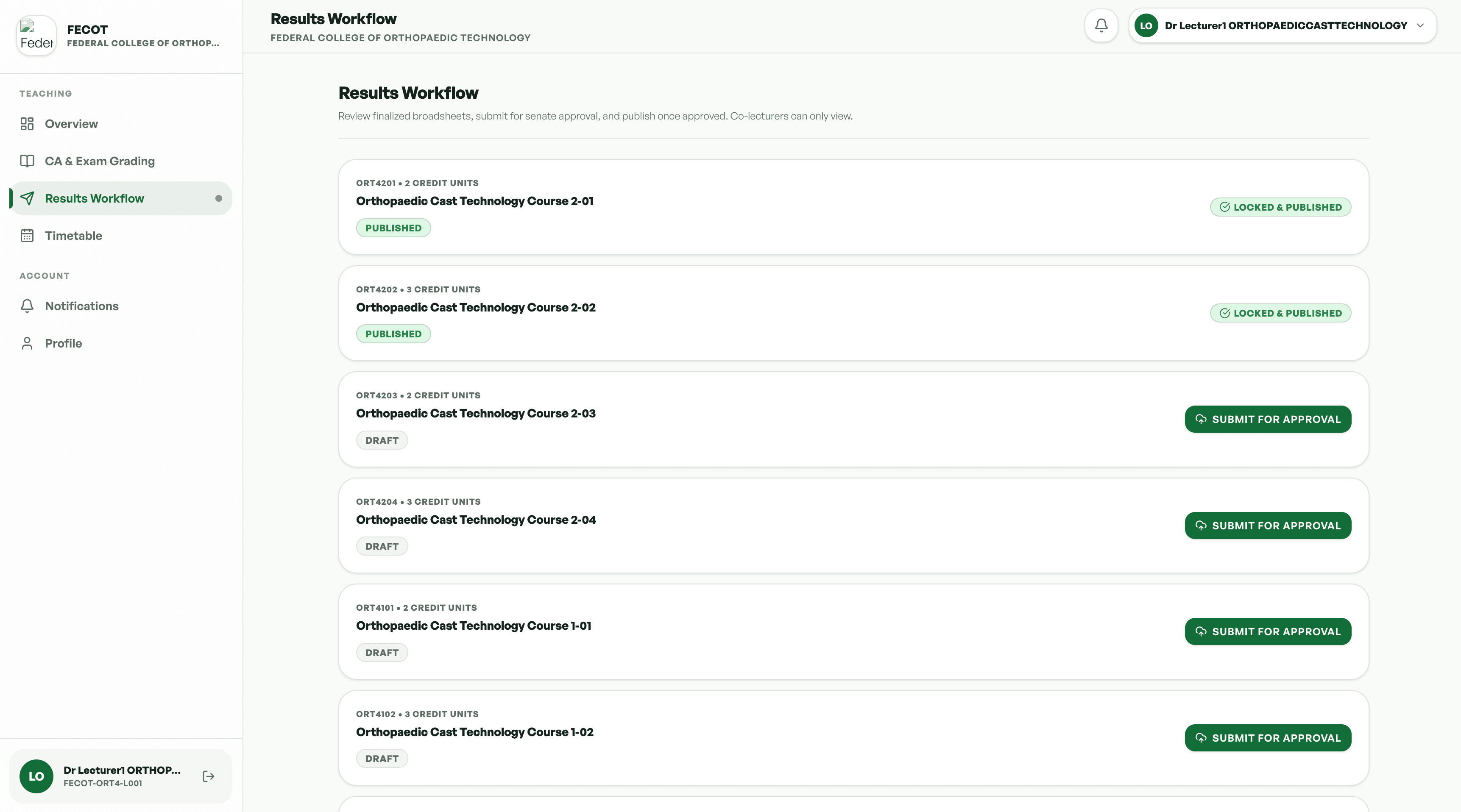
Each assigned course has a roster and a standardised CSV or Excel template. Lecturers enter Continuous Assessment and Final Exam scores, upload the file, and the system parses it and flags invalid entries, including scores above 100. Validated grades are staged for administrative publication.
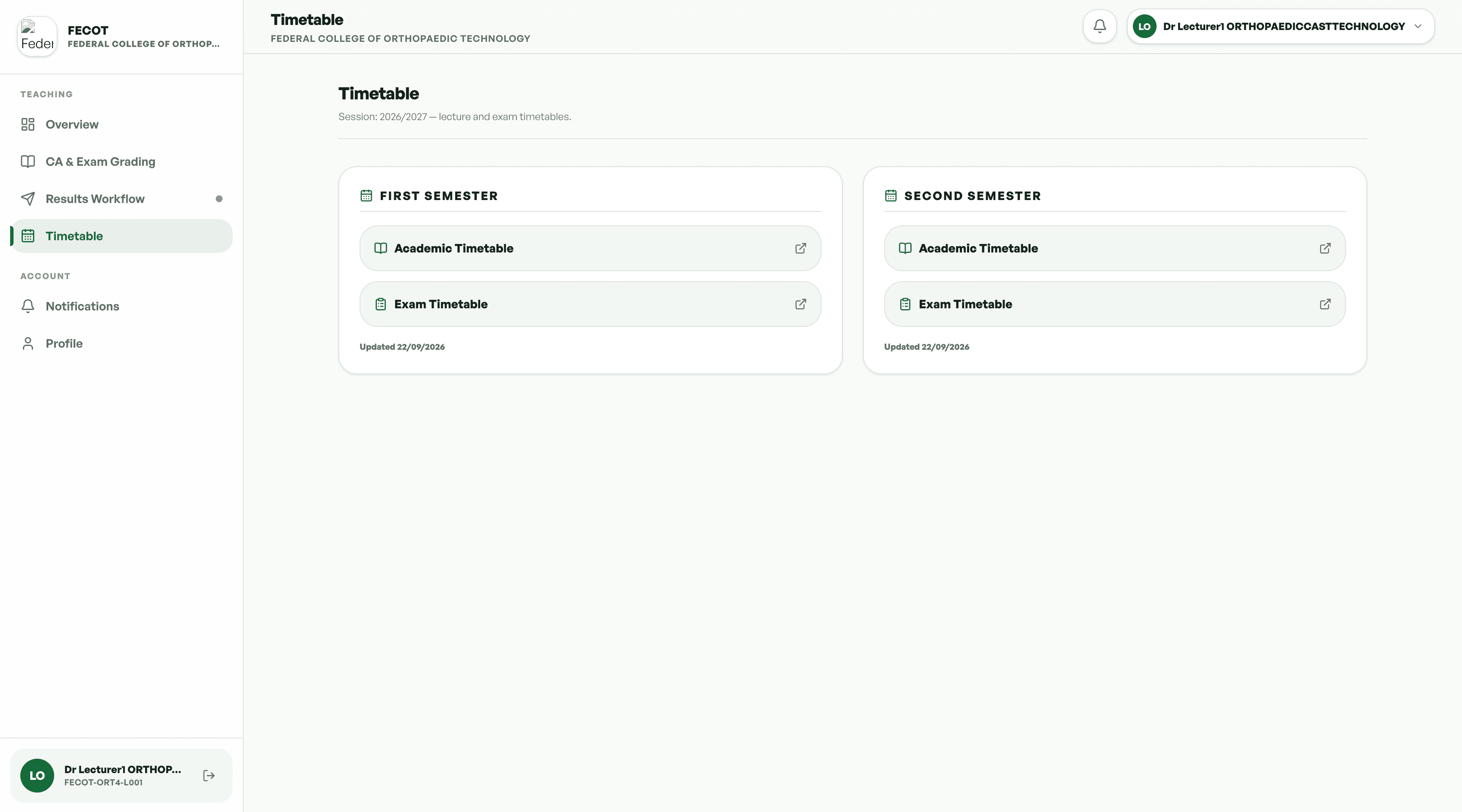
Timetable: the lecturer's teaching schedule.
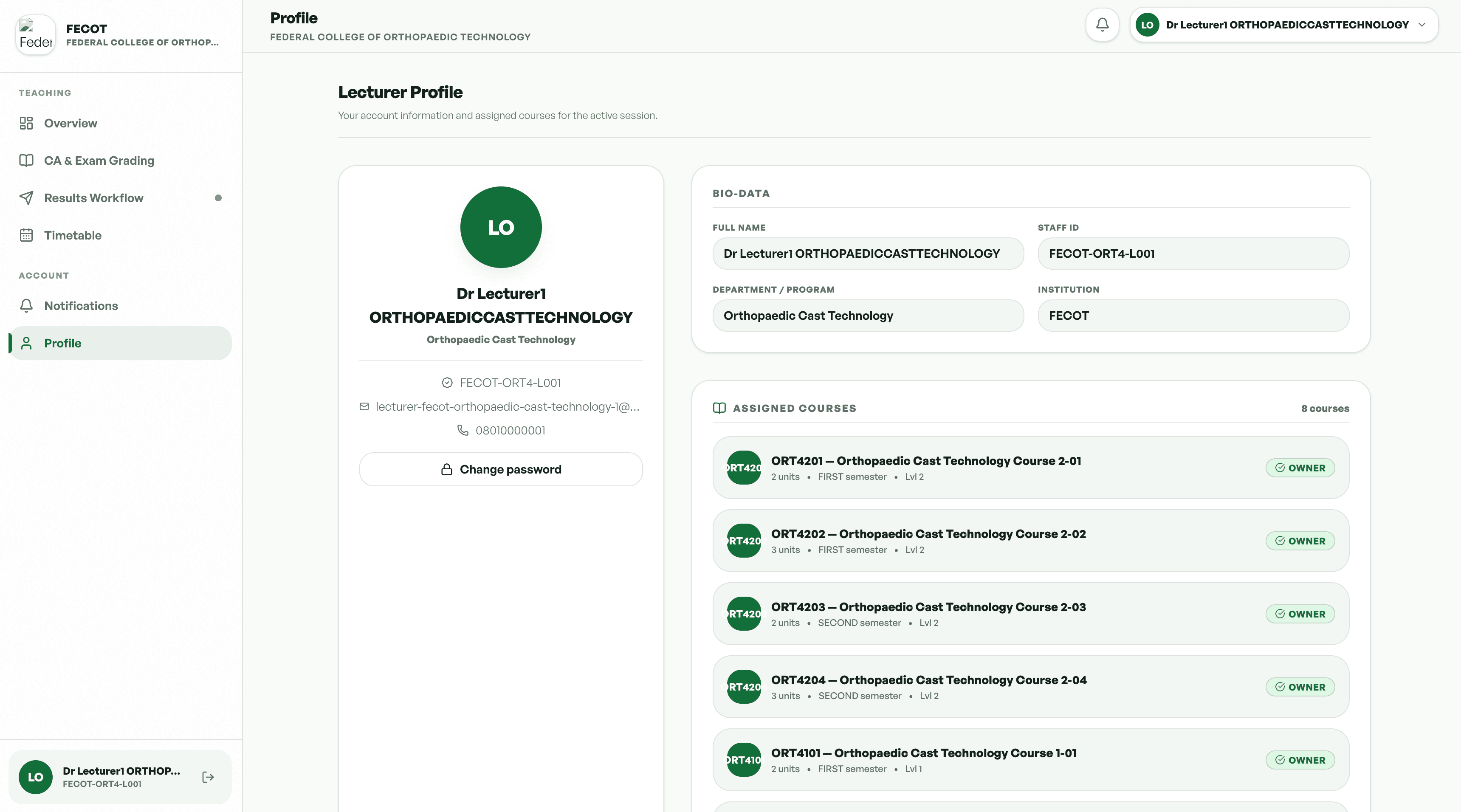
Profile: lecturer details and course responsibilities.
Lecturers upload materials such as PDFs and presentations to a course repository. Each course has a threaded discussion where students ask questions and lecturers respond, with moderation available. A shared academic calendar holds assignment deadlines and lecture schedules.
Student Financial Clearance
Tuition, laboratory, and accommodation fees run through Remita. Enrollment stays locked until the primary tuition payment webhook confirms success. A full scholarship bypasses the fee gate, and a partial scholarship recalculates the outstanding Remita balance.
Course Enrollment and Resit Logic
Courses are filtered by the student's level and programme. Historical grades identify failed core courses, which are added to the current cart as mandatory resits that cannot be removed. The cart locks after submission.
Level Advancement Engine
At the end of an academic year, a scheduled job or administrator action totals earned credits and compares them with the required threshold. Eligible students are moved to the next academic level.
Lecturer Grade Processing
Lecturers work only within their assigned courses. Each roster comes with a standardised CSV or Excel template for Continuous Assessment and Final Exam scores. Uploads are parsed and invalid entries, including scores above 100, are flagged before grades are staged for publication.
Learning Management System
Course repositories hold lecture materials, each course runs its own threaded discussion with lecturer moderation, and a shared calendar keeps assignment deadlines and lecture schedules in one place.
The portal is built with React and Next.js on the client and Python with Django on the server, giving each institution a separate portal on the same product foundation.
Rules Enforced by the System, Not by Reminders
Controls built into the workflow
- Tuition payment is verified before course enrollment is enabled, with full and partial scholarship handling.
- Failed core courses are added as mandatory resits and cannot be removed by the student.
- The enrollment cart locks for the semester after submission.
- Grade uploads are validated before publication, including checks for scores above 100.
- Lecturer access is limited to the courses assigned to them.
Edge cases the product has to handle
- Delayed, duplicated, failed, or reversed Remita webhook events.
- Fee components and calculation rules for partial scholarships.
- Grade corrections, resubmissions, missing scores, and duplicate student rows.
- Credit thresholds and progression exceptions per programme.
- Who can publish grades, and the audit trail required for changes.
- Amending an enrollment after the cart has locked.
- Access, retention, moderation, and notification rules for LMS content.
01. Academic workflows depend on each other
Clearance, registration, grades, credits, and progression influence one another. Designing them as connected workflows keeps the rules consistent across the student journey.
02. Eligibility should be enforced by the system
Enrollment restrictions tied to payment status and resit rules reduce reliance on users remembering every prerequisite.
03. Academic history must inform current actions
Historical grades are not just records. They determine which courses must appear in a student's current enrollment cart.
04. Validation belongs in the grade-submission experience
Standardised spreadsheets and automated checks create a clear checkpoint before grade data is staged for publication.
05. Automation needs defined exceptions
Payment webhooks, scholarship calculations, credit thresholds, and grade uploads all depend on precise conditions, including what happens when those conditions fail.
06. Learning tools are stronger when organised by course
Course repositories, threaded discussions, and shared schedules keep resources and academic communication connected to the course they belong to.
The NOHIL Academic Portal brings essential academic operations into one coordinated environment for students and lecturers. For students, it is a clearer path through payment eligibility, course registration, resits, academic progression, and course learning. For lecturers, it is a structured way to access assigned rosters, submit and validate scores, share materials, and engage with students. For academic operations, the rules create consistent checkpoints for payment verification, enrollment restrictions, grade validation, and progression.
Make academic operations easier to follow by connecting each action to the rules and information that determine what should happen next.
Next Project
Sellantra
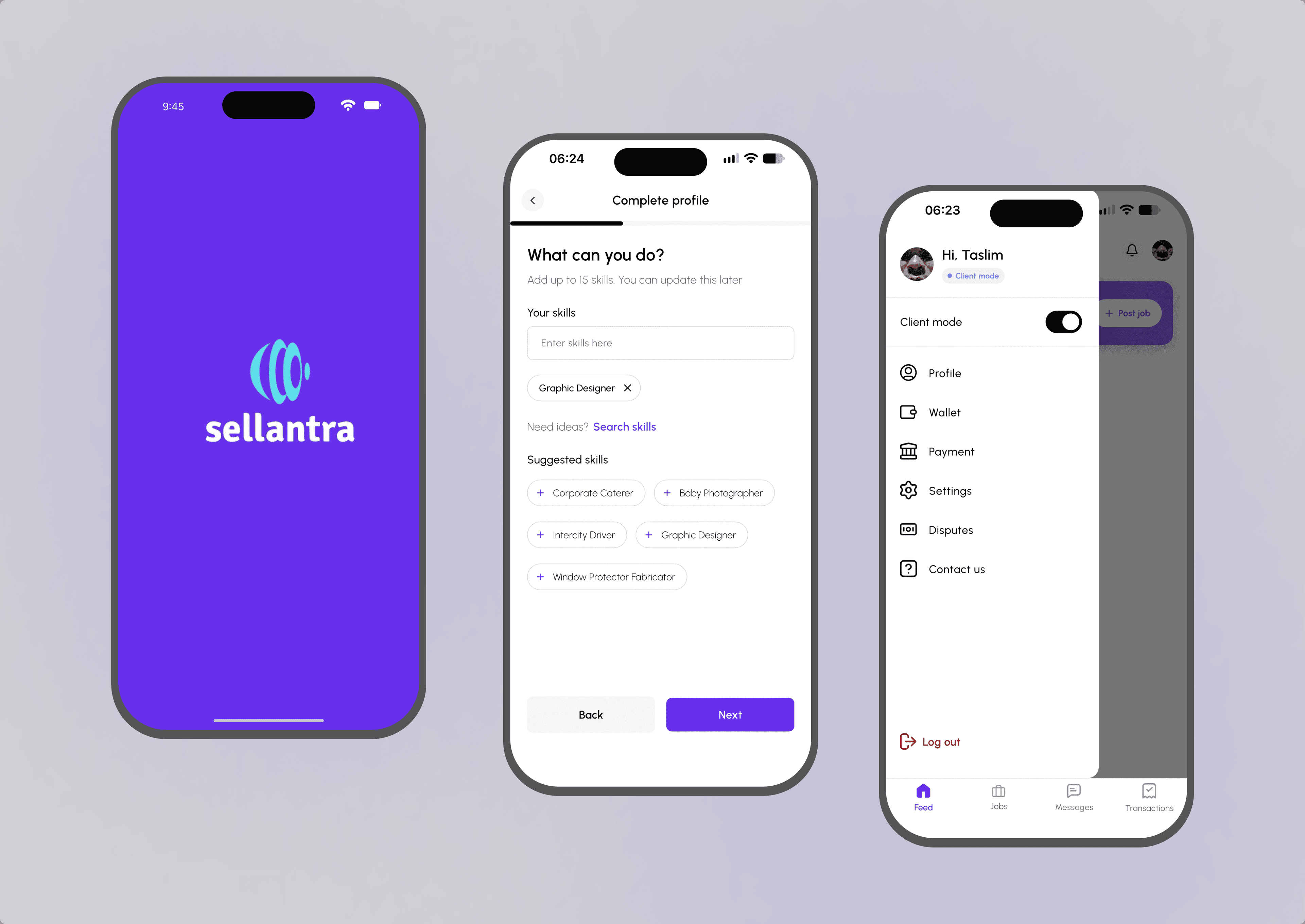
Sellantra is a freelance marketplace where clients only pay when work is approved, and freelancers only start when payment is secured.
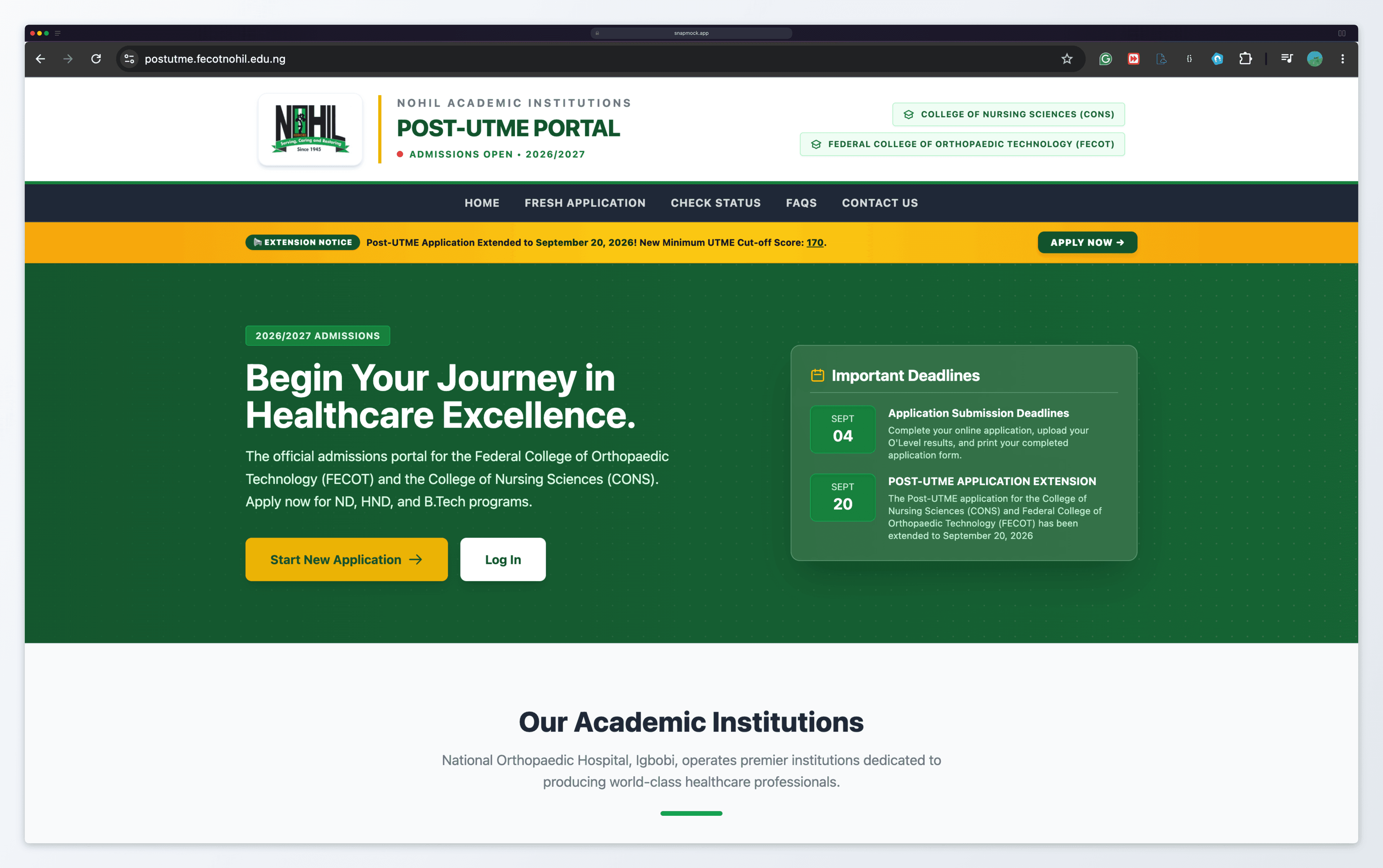
NOHIL Post-UTME Portal
The NOHIL Post-UTME Portal is a central admissions platform for FECOT and CONS at the National Orthopaedic Hospital, Igbobi, covering applications, requirements, deadlines, and screening information.
Ready to build your own success story?
Let’s build your next big idea together.
